
Background
A Real Estate agent from RE/MAX approached me about creating a marketing website. She had two communities in mind and wanted to develop community-specific content on each site.
Objectives
One of my main objectives was for each site to feel like it belongs to the same brand. I thought of this in terms of the old-school webrings of the 1990s and early 2000s, except more professional. If it were geographically close, each community site would link to another.
The other main objectives involved content quality: good-quality pictures, high-quality information, and informative content.
These sites need to be search engine optimized so they can get organic search traffic.
Challenges
I didn’t want Content Managers to have to remember different passwords for each site or reuse passwords for each site, so I needed a single sign-on solution.
Another problem is the content management solution, which would be easy for a real estate agent to use/manage. They should be able to add new pages and content easily and quickly without feeling like they need to take night classes to learn the tool!
The sites must work well on mobile since users will likely use them on the go. Having the website work well on the phone is one of the most easily overcome challenges, yet the most vital.
Solutions
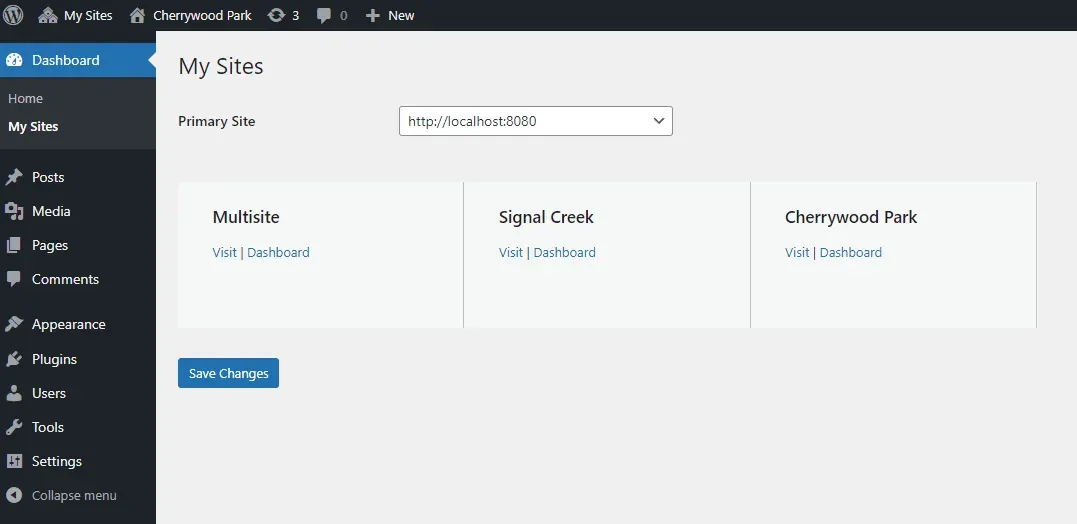
I decided to go with WordPress Multi-site to kill two birds with one stone. WordPress Multi-site is a feature of WordPress that allows you to create a network of separate WordPress sites within a single WordPress installation. Having a single installation means you can manage multiple sites from one dashboard, and users can have a single account to access all the sites within the network. It’s an excellent solution for managing various related websites while maintaining consistency and ease of use.
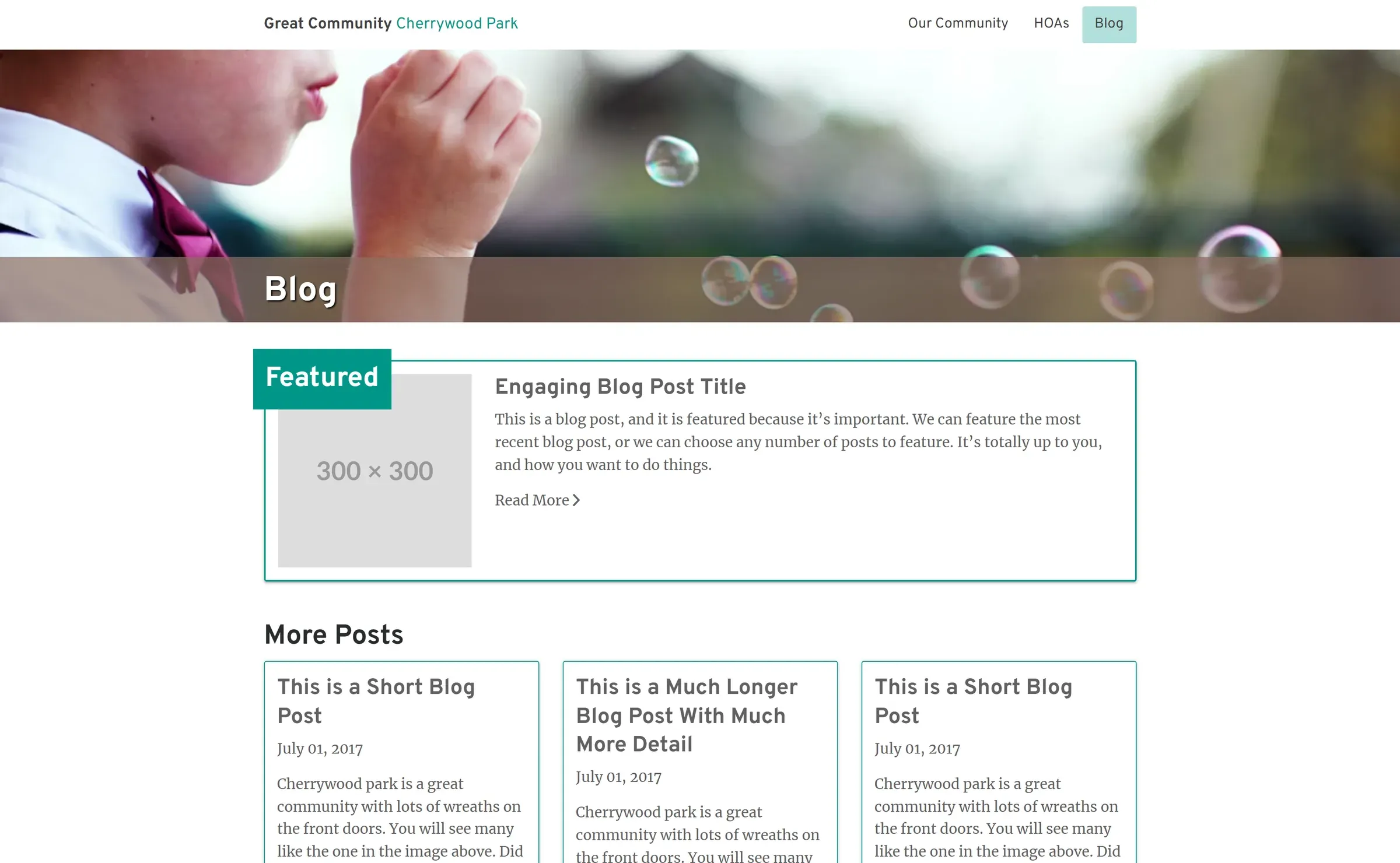
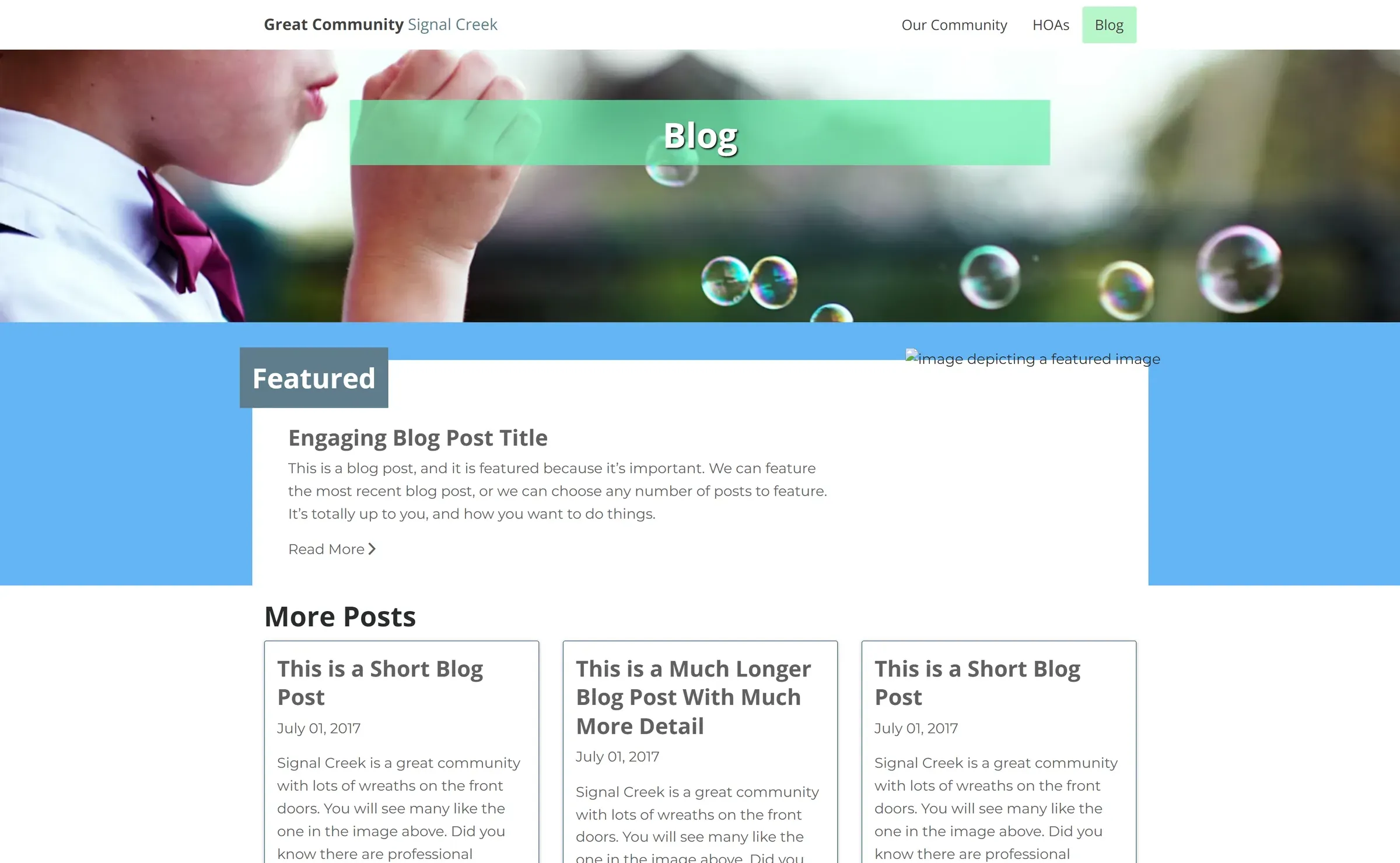
I used the same layout and base CSS in the themes to make the sites feel like they were part of the same brand. Then, I slightly changed the accent colors and subtly modified the layout’s aspects. I thought about how aesthetically each community isn’t that different from one another; there may be some slight differences—some pops of color, a different way to present the content—but for the most part, they had more in common than not.
Results
I did a screen recording on how to use the WordPress Multi-site as part of my deliverables. Having a screen recording document of typical workflows helped the client a lot, especially as a reference tool. No matter how good your usability is, there’s still an element of user training/education that needs to happen.

Theresa hired a copywriter to write about the different communities. The project was successful and valuable to her business.
The COVID-19 Pandemic impacted her marketing budget, causing these sites to go offline. However, I still have the original static site hosted under my domain.
Lessons Learned
- Don’t release marketing websites months before a global pandemic.
- WordPress Multi-site is an excellent option for a network of websites, especially marketing websites.
- Screen recordings can be a valuable tool for delivering a user manual to the client.